
One click away
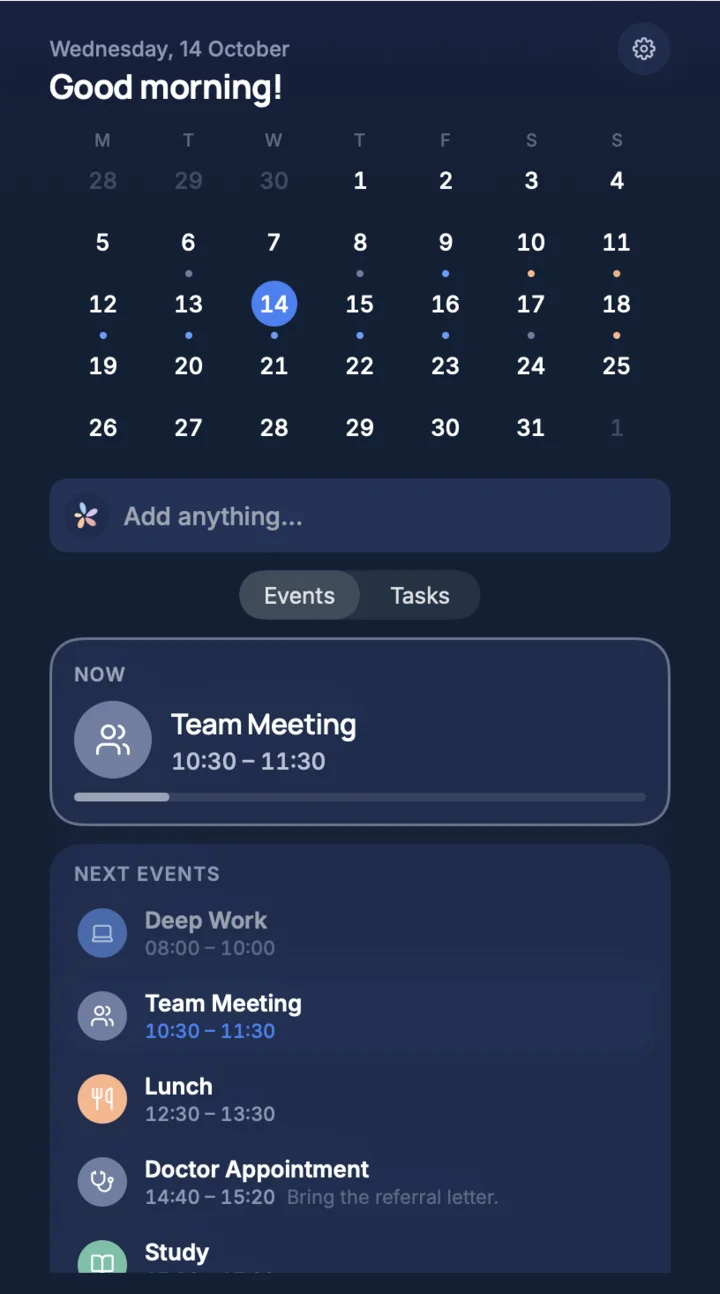
TimeLoop sits in the menu bar. Click it for what is running now and what comes next, without leaving what you are doing.
TimeLoop for Mac
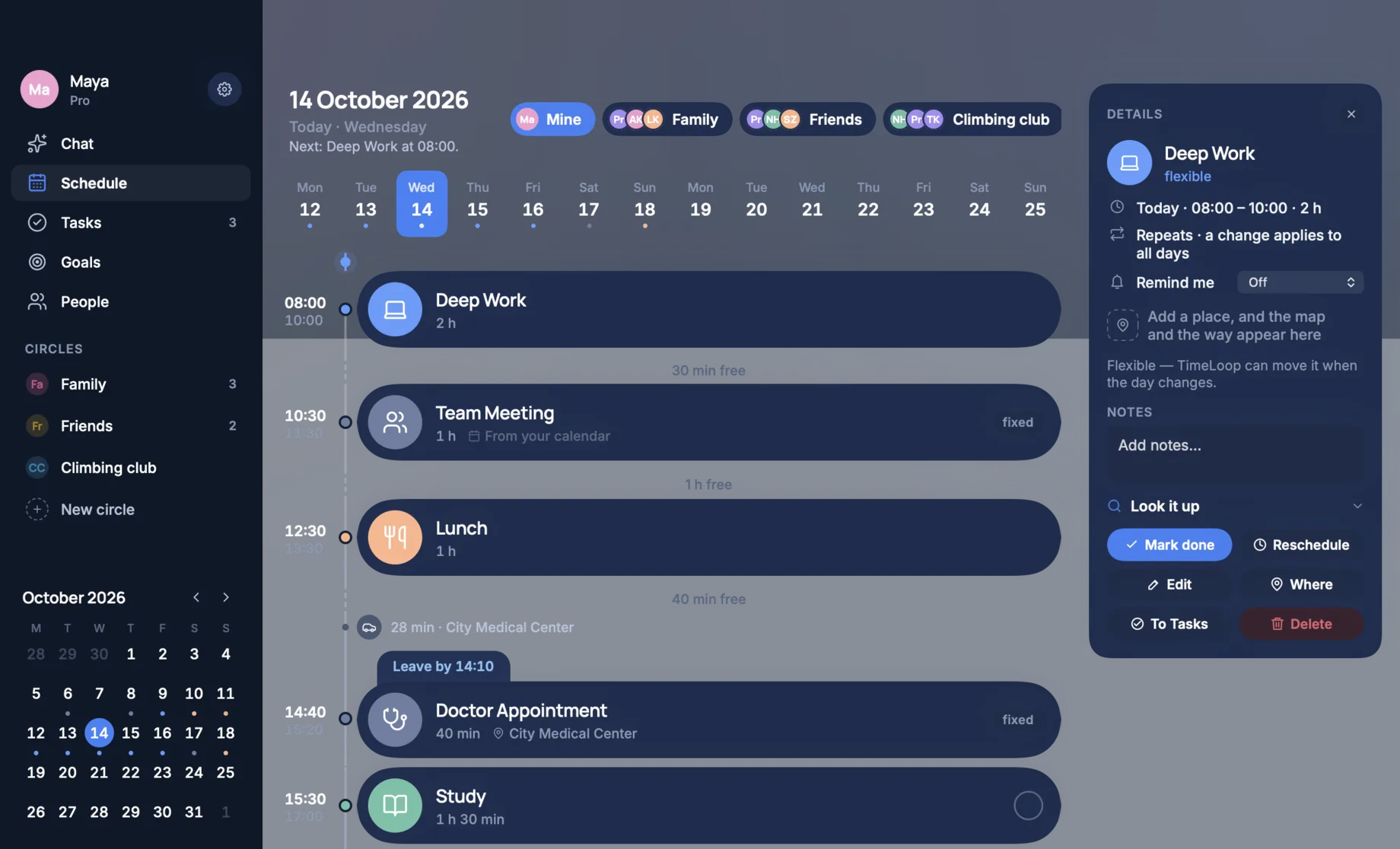
A native Mac app with the same plan as your phone: the day and the week in one window, tasks beside them, and the next thing in the menu bar.
Why on a Mac
TimeLoop sits in the menu bar. Click it for what is running now and what comes next, without leaving what you are doing.
A full keyboard suits a planner you talk to. Write one sentence, see the plan it would make, and confirm it. Planning from a sentence is part of TimeLoop Pro.
Add something on the Mac and it is on your phone, and the other way round. Sign in with Apple or Google, or approve the Mac from your phone with a code.
A native app that follows your Mac between light and dark. The colours of your day stay the same in both.
Schedule
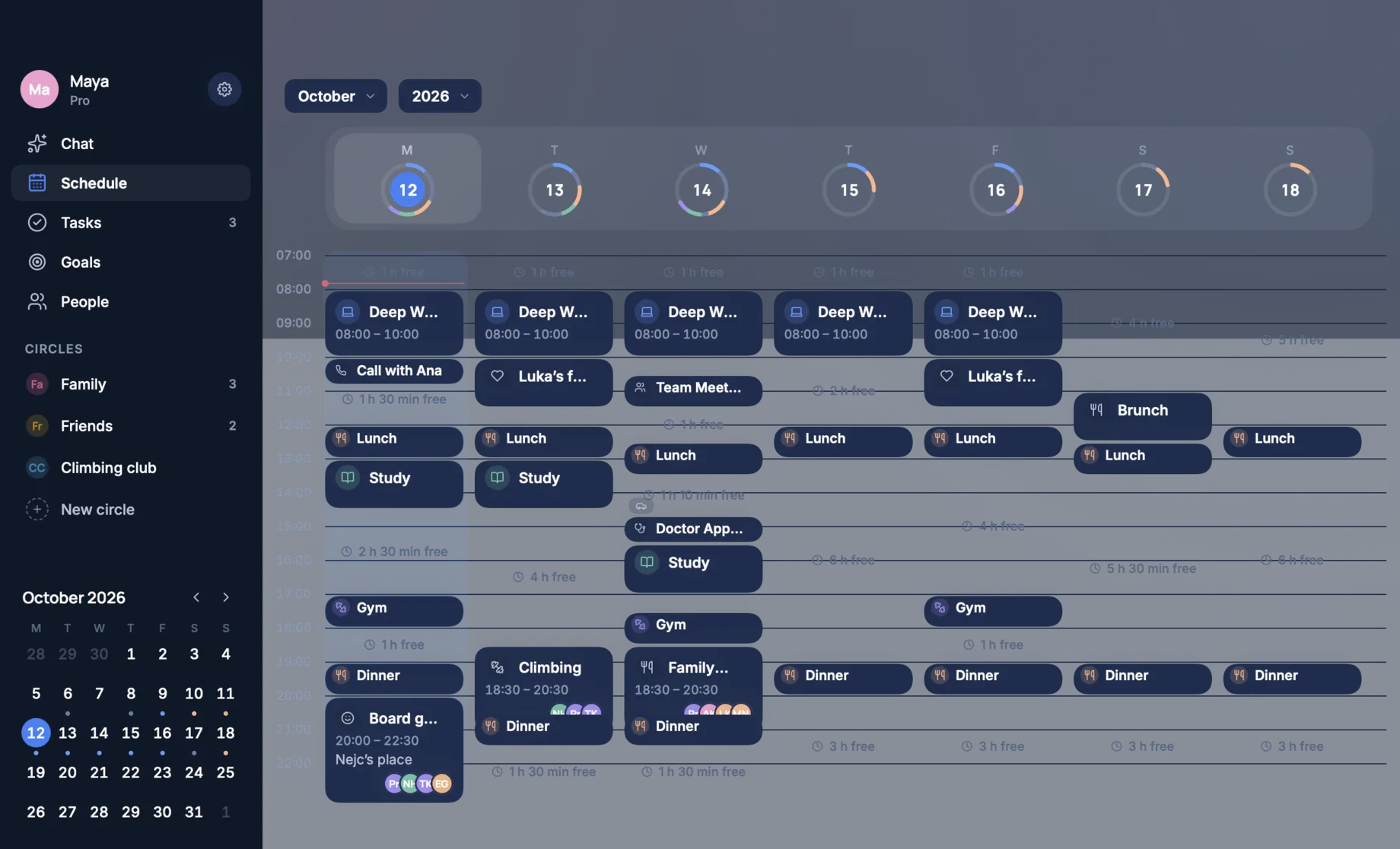
Seven days in one window, each with a ring for how full it is and the free time left between things. The day and the month are one click away.
Chat
Write what you need to do the way you would say it. TimeLoop shows what it understood before anything is saved. Planning from a sentence is part of TimeLoop Pro.

Circles
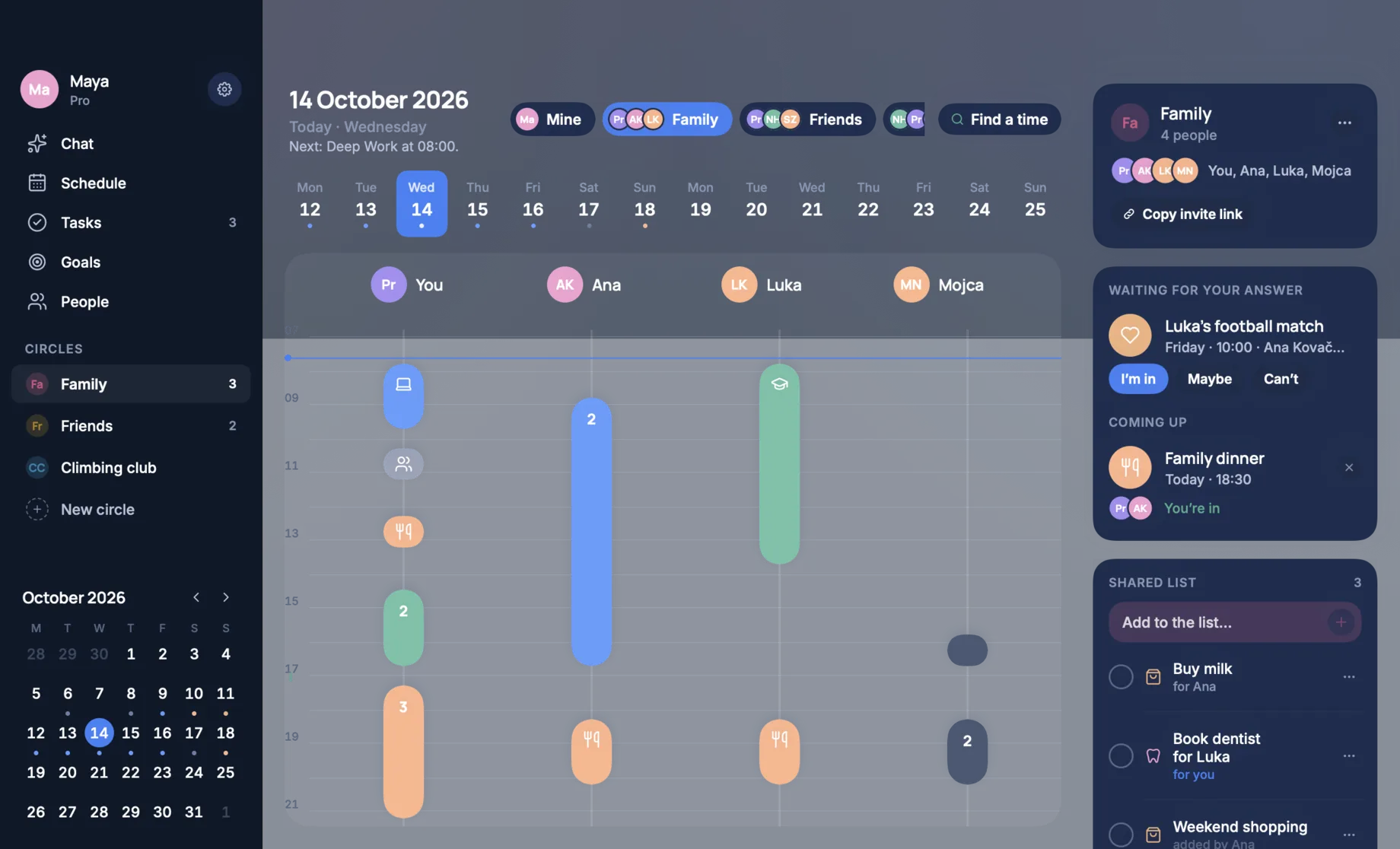
Pick a circle and see everyone’s day side by side, the invitations waiting for your answer, and the list you share.
Tasks
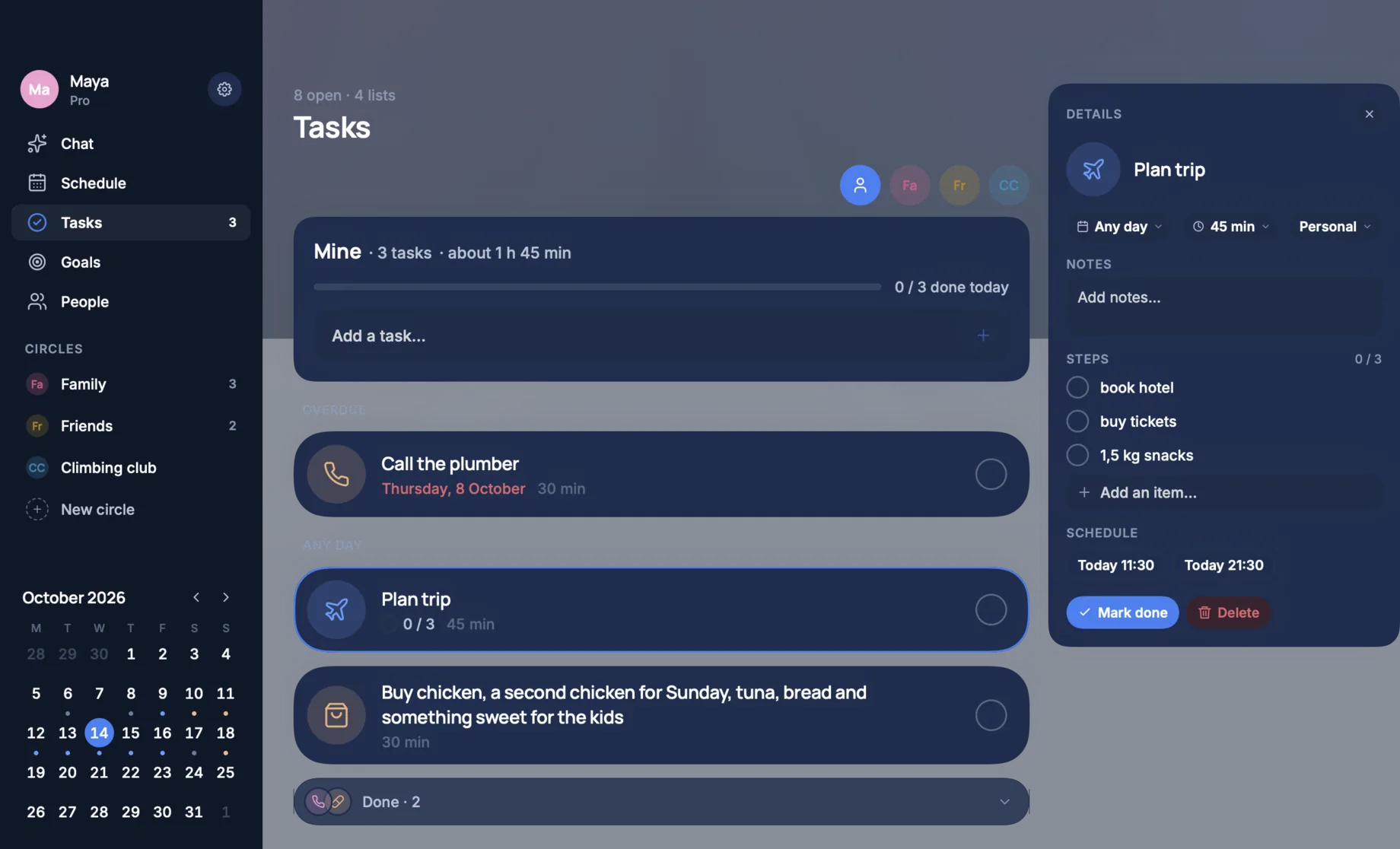
Your own list and the lists you share, with what is overdue on top. Open a task for its steps and notes, or give it a free hour.
Menu bar
TimeLoop sits in the menu bar. Click it for what is running now, what comes next, the month and your tasks.
A native app for macOS 14 and later. Last updated 11 October 2026.
Say what you need to do. See your life fall into place.